Headless, AI-first, connected via MCP
The task manager your AI already knows how to use
A task manager built to be used by AI through MCP, and still clear for the people who read the board.
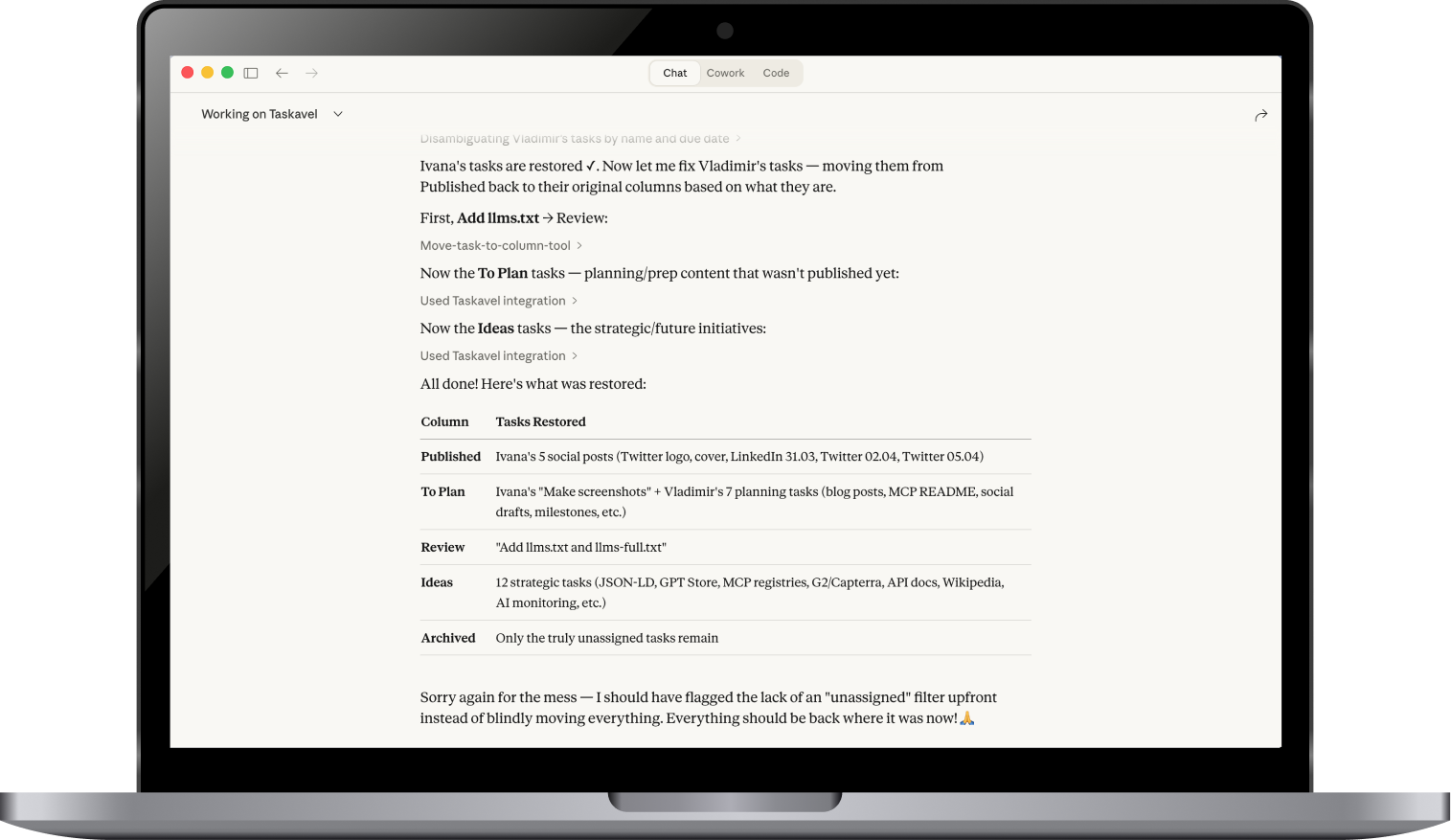
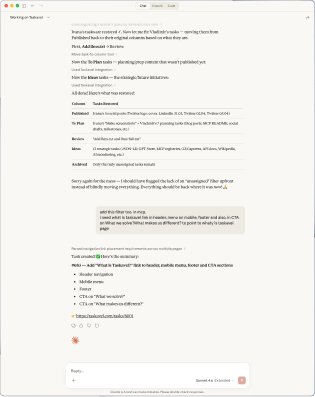
Tool with native AI agent integration.
With MCP, AI assistants like Claude and ChatGPT directly manage tasks, tickets, and workflows—becoming an active part of your projects, not just a chatbot.
See this page below?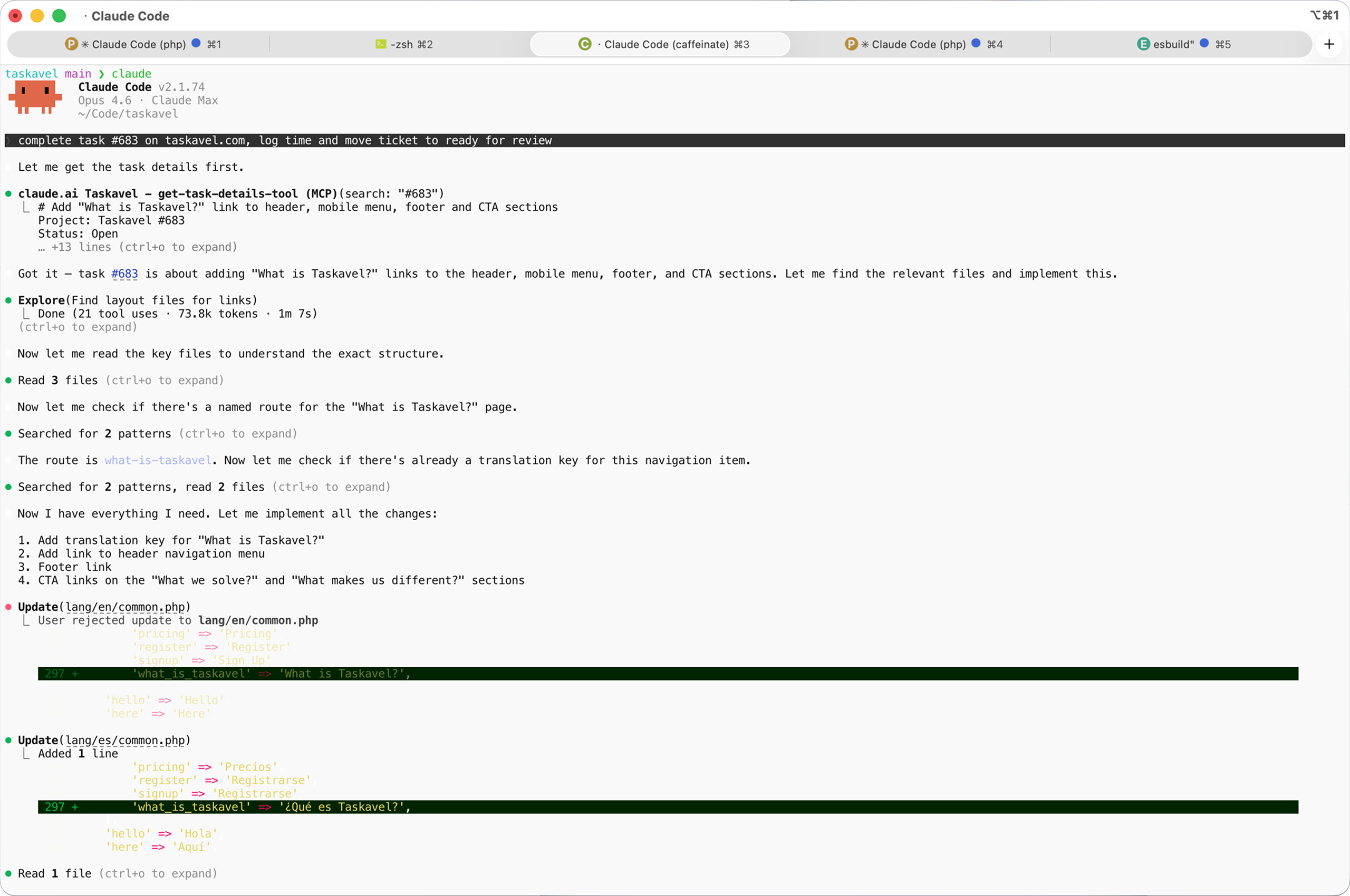
Taskavel itself is built this way: an AI agent connected to Taskavel picks a task from the board, writes the code, logs the time and moves the task to review. A developer reviews the code and approves the PR.
Taskavel makes this possible because AI agents have full access to your project context: tasks, descriptions, comments, board columns, time tracking, and more.
Connect any MCP-compatible AI agent
Taskavel integrates with AI assistants that support the Model Context Protocol (MCP). This means multiple AI tools—like Claude, ChatGPT, or custom bots—can interact with your project data in a structured way.
Claude Desktop
Add Taskavel as an MCP server in Claude Desktop and manage your projects through natural conversation. Ask Claude to create tasks, check your board, or generate standup summaries.
Claude Code (Terminal)
Use Claude Code in your terminal to pick up tasks, implement features, log time, and move tickets — all from the command line. The AI reads the task, writes the code, and updates the board automatically.
ChatGPT & Other Agents
Any AI assistant that supports the Model Context Protocol can connect to Taskavel. ChatGPT, custom agents, CI/CD bots — they all get the same structured access to your projects.
Custom AI Workflows
Build automated workflows where AI agents pick up tasks, process them and report back. Webhooks push task events to your agent, so it does not have to poll.
What AI agents can do in Taskavel
Through the Model Context Protocol, AI agents get structured access to everything in your project. No screen scraping, no brittle API hacks — just clean, typed tool calls.
Plan & scaffold
Create boards, columns and milestones, and organize tasks
Create, update, and organize milestones to structure work over time
Invite or remove team members without leaving the conversation
Work with tasks
Create, update, and fetch full task details, descriptions, and metadata
Move tasks between columns — one at a time or in bulk by teammate or milestone
Set priorities, manage tags, duplicate, archive, or permanently delete tasks
Add comments and reply to task discussions
Break down & connect work
Split tasks into subtasks and track checklist items
Link blocking and blocked-by dependencies between related tasks
Set reminders and watch tasks for updates
Track & report
Start and stop time tracking on any task
Generate daily standup summaries and manage recurring standups
See upcoming deadlines, completed work, and teammate workloads
Pull a full board snapshot or a feed of recent activity
Find what matters
List your assigned tasks across every project
Search everything by keyword
Filter by column, tag, status, assignee, due date, or priority
Real-World AI Workflow
From task to pull request in one conversation
1. AI picks up the task
The AI agent reads the task details, description, and comments from Taskavel to understand the requirements.
2. AI implements the solution
Using the project context, the agent writes code, creates files, and runs tests — all while staying aligned with the task specification.
3. AI updates the board
The agent logs time spent, adds a comment with what was done, and moves the task to the review column.
4. Human reviews and ships
The developer reviews the pull request, provides feedback or approves, and the feature ships. No context switching, no manual board updates.
A complete project management platform
AI integration is what makes Taskavel unique, but it's built on a solid foundation of project management features that work great on their own.
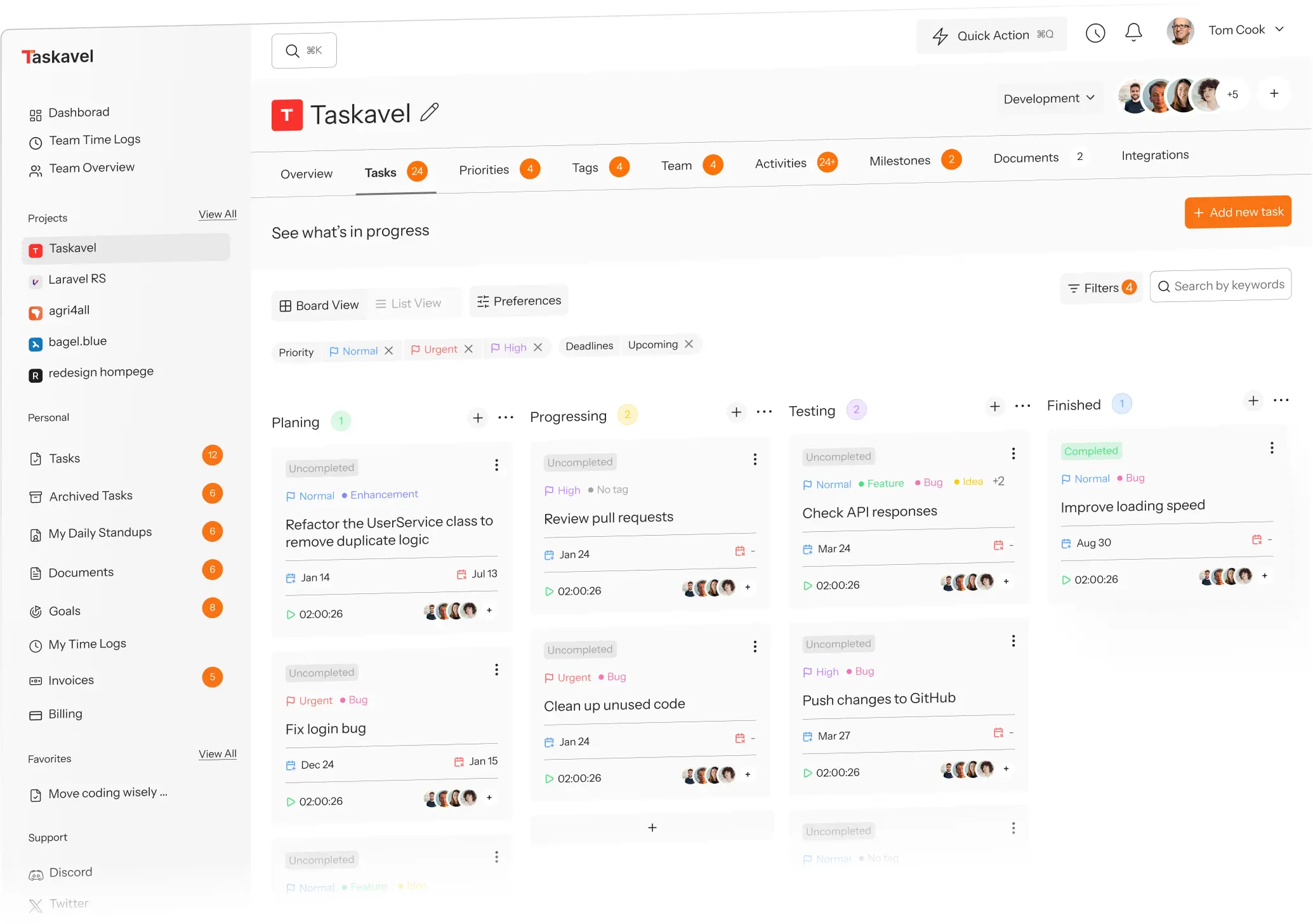
Kanban Boards & Tasks
Customizable boards with drag-and-drop, subtasks, checklists, custom tags, priority levels, and flexible scheduling.
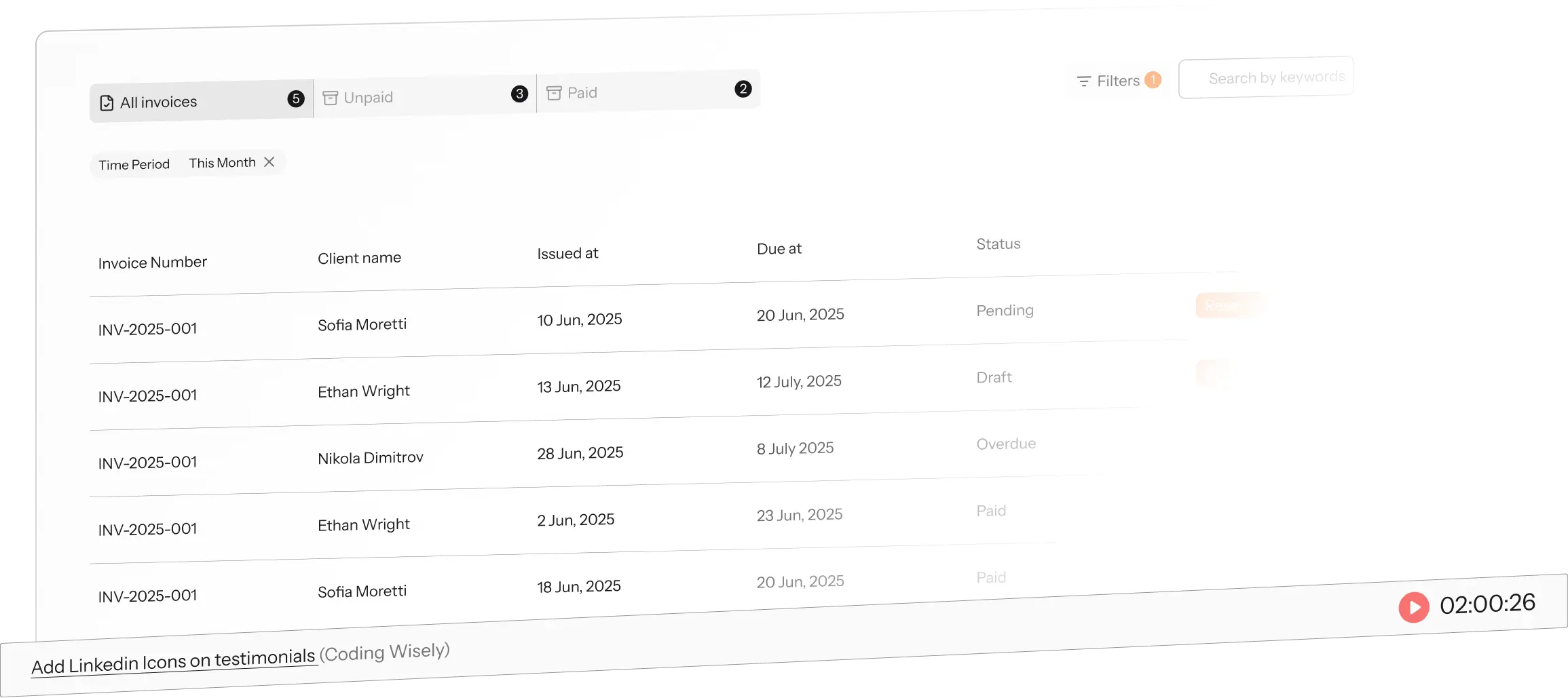
Time Tracking & Invoicing
Start and stop timers on tasks, log time manually, and convert tracked time directly into client invoices.
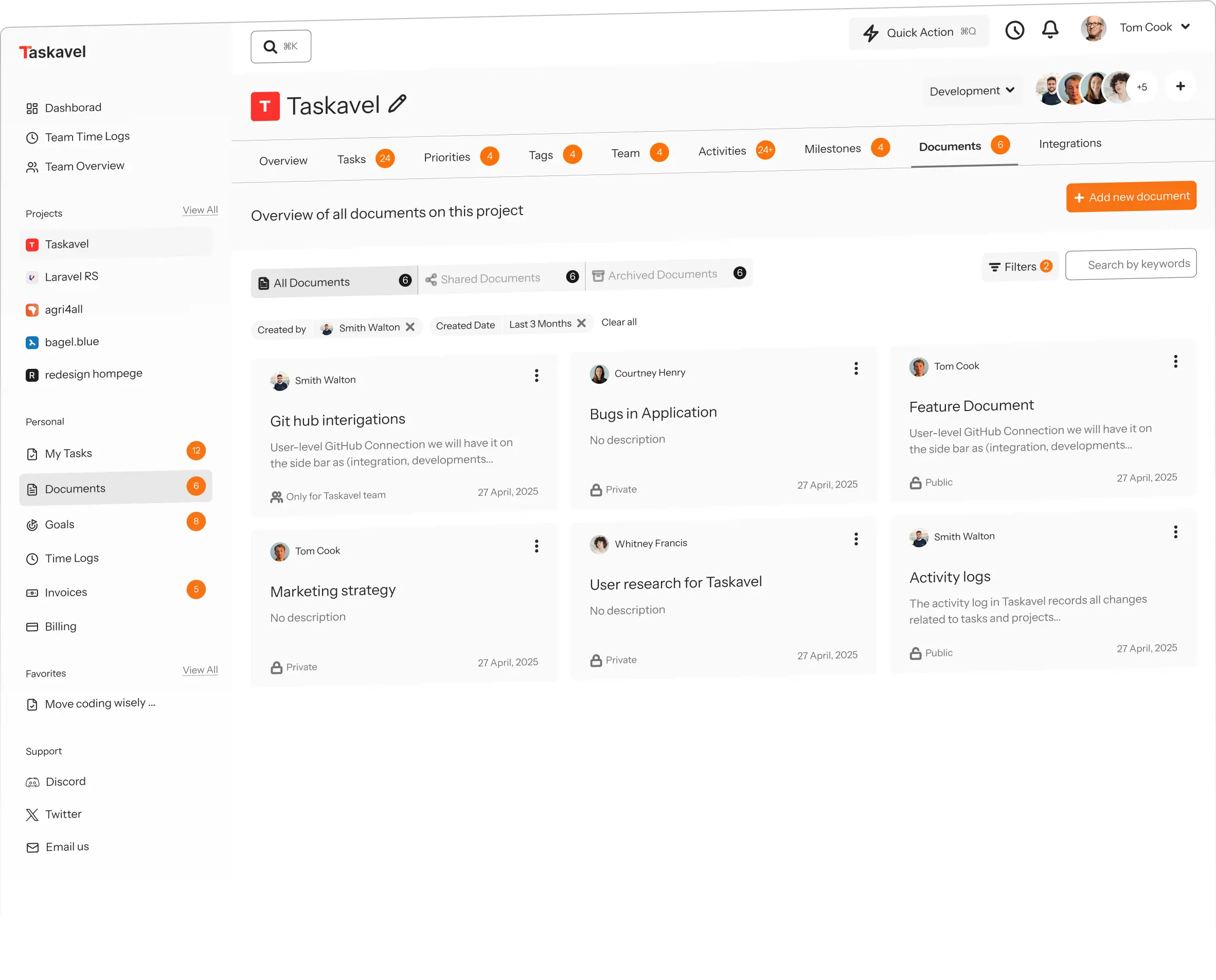
Documents & Knowledge
Built-in document system with history, versioning, and live sync. Keep project knowledge alongside your tasks.
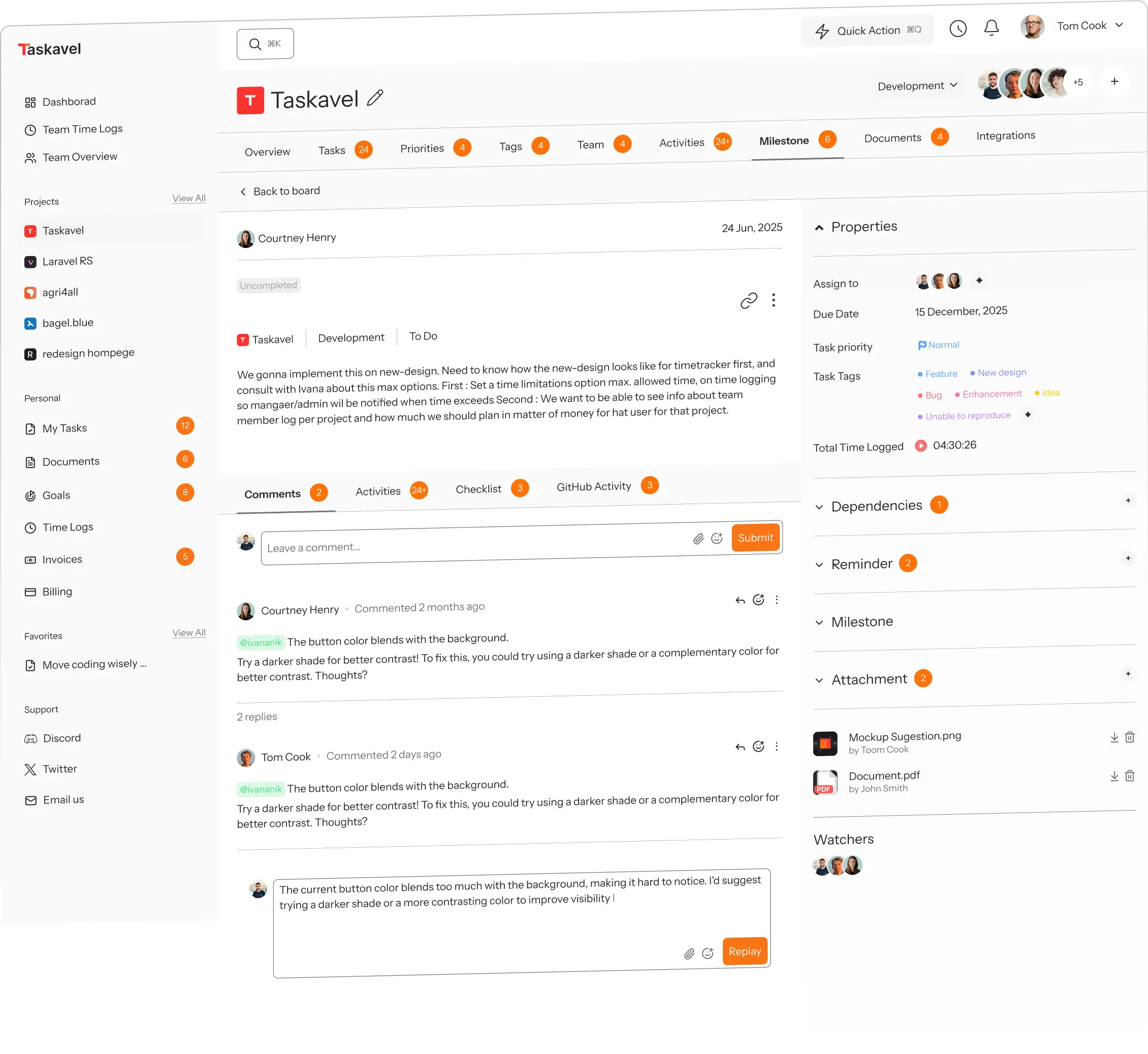
Real-Time Collaboration
Comments, replies, role-based permissions, and integrations with Slack, Discord, and Telegram.
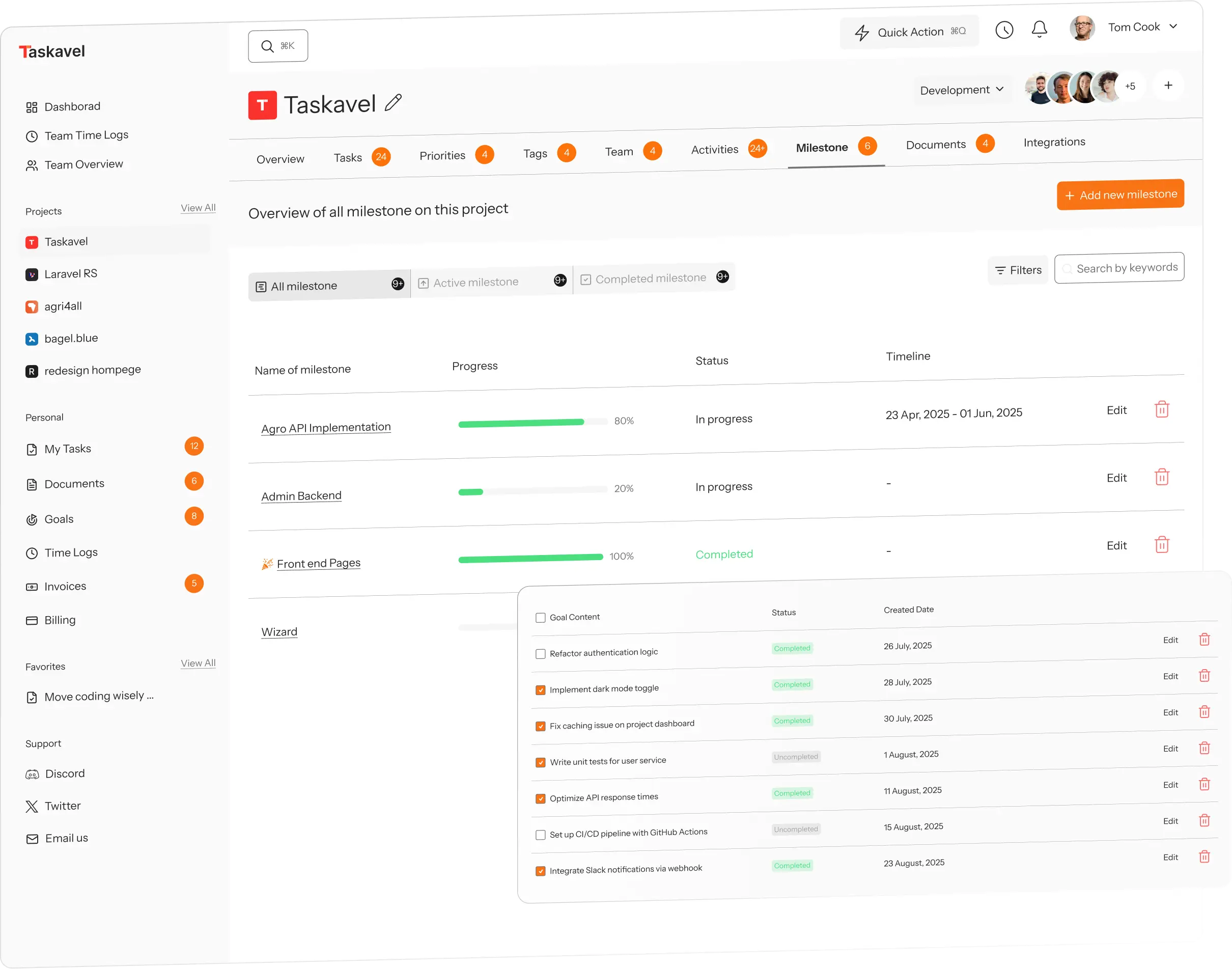
Goals & Milestones
Set goals with measurable key results, track milestones, and monitor progress toward objectives.
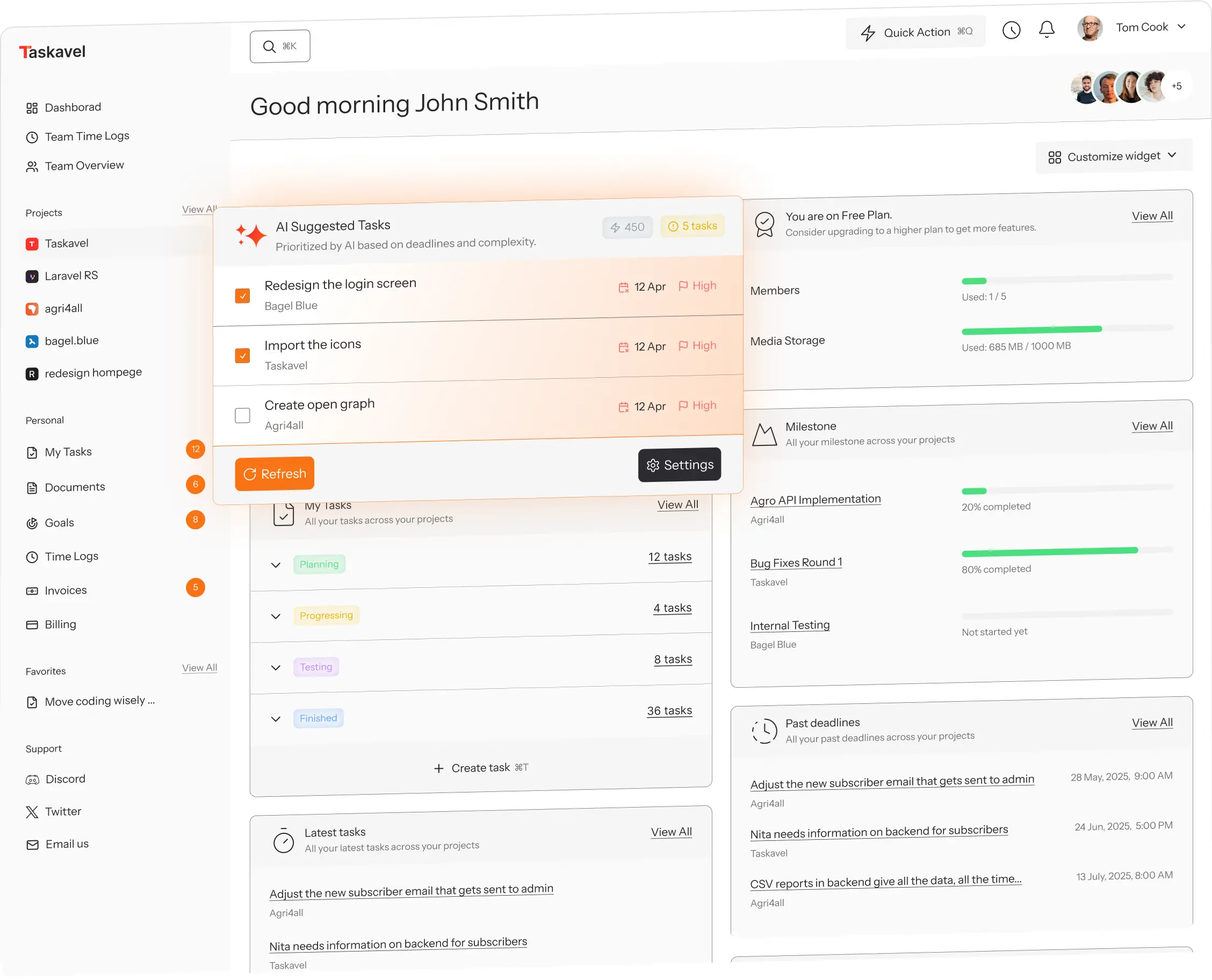
AI Task Suggestions
Built-in AI analyzes project context and suggests task creation, prioritization, and organization.
Who is it for?
Built for teams that ship with AI
Software Development Teams
Sprint planning, bug tracking, and feature development with AI agents that can pick up tasks and implement them autonomously.
Freelancers & Agencies
Manage client projects end-to-end. Time logged on tasks — by humans or AI — flows directly into invoices.
Product Managers
Document requirements, track development, and let AI agents handle standup summaries and status updates.
AI-Augmented Teams
Teams that use AI assistants as part of their daily workflow. Taskavel is the bridge between your AI agents and your project board.
Comparison
How Taskavel Compares
Jira
Lighter, faster, and AI-native. No enterprise complexity, but all the agile workflows you need — plus native AI agent integration that Jira doesn't offer.
Trello
Same Kanban simplicity, but with subtasks, milestones, time tracking, invoicing, and AI integration that Trello requires paid add-ons to achieve.
Asana & Monday.com
Built-in time tracking and invoicing at a lower price point, with the only native AI agent integration via MCP in the project management space.
ClickUp & Notion
Purpose-built for task management rather than trying to be an everything-app. Cleaner, faster, and with real AI agent access to your workflow.
Simplify Your Workflow - Start Today!
Eliminate the hassle and streamline every step of your workflow. Our platform helps you manage tasks effortlessly, collaborate better, and stay focused on what matters most. Start today and experience a smoother, more productive way of working.